

Note (October 2026): Several tools in the original list have since closed, been renamed or now redirect elsewhere, including Logojoy (now Looka) and the Flash-based logo generator. Each entry below now shows its current status.
The best websites to create a logo free online, as of October 2026, include Adobe Express Logo Maker, VistaCreate, Online Logo Maker, CoolText and FlamingText, which let you design and download a logo at no cost. Turbologo, Designhill and Looka let you design for free but charge for high-resolution or vector files.
Key Takeaways
- Adobe Express Logo Maker is free for everyone and exports logos as PNG, JPG and PDF files, according to Adobe (October 2026).
- Many “free” logo makers are free to design but charge to download high-resolution, transparent or vector files, including Turbologo, Designhill and Looka.
- Six tools from the original list no longer work as logo makers: Logaster, EasyFreeLogo, LogoYes, Free Flash Logos, LogoSnap and LogoEase.
- Logojoy is now Looka; it rebranded on April 2, 2019.
- Before paying, check that you get a vector file (SVG, EPS or PDF) and a transparent PNG, because those are the formats printers and websites need most.
A logo is a valuable asset for any company or product. Designing one online is usually quicker than using desktop software: building a logo from scratch in Photoshop takes skill and time, while a browser-based logo maker gives you templates, icons and fonts to start from.
This list covers 15 web-based logo makers and text-logo generators. Each entry was rechecked in October 2026: tools that still work are described with their current free and paid options, and tools that have closed, been renamed or now redirect elsewhere are clearly flagged. Try two or three of the working tools and compare the results before you commit.
Design Your Logo Online for Free
Websites to Design a Logo
Adobe Logo Maker
Adobe Express Logo Maker is Adobe’s free browser-based logo tool. According to Adobe, the logo maker is free for everyone, and the free plan includes thousands of templates, photo editing and effects, animation, 2GB of storage and logo downloads in PNG, JPG and PDF formats (as of October 2026). For anyone comparing the best logo maker options that cost nothing, it is a strong starting point.

You can design and download a logo without paying. Adobe also sells paid plans, so compare them on Adobe’s pricing page before upgrading. If you are not sure where to start, the ready-made templates and images give you a base to customize.
Turbologo

Turbologo is an online logo maker that can also be used for business cards and envelopes. Designing a logo is free, but higher-quality downloads (high-resolution files, transparent backgrounds, vector formats) are sold as one-time packages; prices vary by region and package, so check the current price before you start (as of October 2026).
VistaCreate

VistaCreate (launched as Crello in 2016 and renamed after Vista acquired it in 2021) is a free online logo maker for non-designers who want to make a logo themselves without hiring a designer. This logo maker is equipped with tons of pre-made logo templates and a library of design objects to customize your logo. You can add stickers, icons, images; resize, edit background, and change the shape of your logo in minutes.
Logaster

Logaster is listed here as a free service for creating logos, business cards and envelopes, but as of October 2026 the logaster.com address redirects to a ZenBusiness logo-generator page that describes its own logo maker as coming soon, so Logaster no longer works as a standalone logo maker.
Website :- https://www.logaster.com/logo/
Designhill

Designhill is an online creative marketplace that combines a free logo maker with paid services such as graphic design contests, creative gigs and one-to-one projects with professional designers. According to Designhill, you can make a logo for free, while high-resolution download packages start from $20 (Basic), $65 (Premium) and $125 (Enterprise) as of October 2026.
EasyFreeLogo
EasyFreeLogo.com was a free logo maker that did not require registration. As of October 2026, the easyfreelogo.com address did not load when checked, so the tool appears to be offline. It was aimed at small projects such as a new blog or a business-idea pitch. Free logo tools of this kind still suit school or university assignments, music bands, neighborhood associations and clubs.

For entrepreneurs with no budget for a professional designer, the tools in this list that still work are the better option today. Example from when the tool was live: Fast sketch of Justwebworld logo using EasyFreeLogo.com

Logojoy

Logojoy, an AI logo maker founded in Toronto in 2016, rebranded as Looka on April 2, 2019, and the old logojoy.com address now redirects to Looka’s logo maker. After you answer a few questions about your style preferences, the tool generates logo options you can edit. The $65 price quoted in older versions of this article is out of date: in its 2019 rebrand announcement, Looka said packages with logo files, brand guidelines, social media assets and business card designs cost under US$100, so check Looka’s current prices before buying.
LogoMaker
LogoMaker.com is still operating as of October 2026 as an online logo maker that also offers business cards, a DIY website builder and logo design services. Check its current download pricing before you start, as the finished files may not be free.
Website :- www.LogoMaker.Com
LogoYes
LogoYes was a quick online logo builder that let you share your design with friends. As of October 2026, the logoyes.com address redirects to Web.com, so the original LogoYes tool is no longer available under its own name.
Website :- www.LogoYes.Com
CoolText
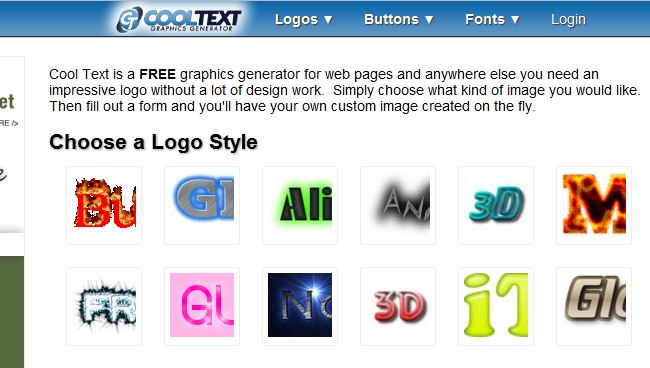
CoolText (Cool Text) describes itself as a free graphics generator for web pages: you pick a text style, fill in a short form and download a text logo or heading graphic. It suits simple wordmarks and buttons rather than full brand identities.
Website :- www.CoolText.Com
Online Logo Maker

Online Logo Maker (onlinelogomaker.com) is a free browser-based logo editor. As of October 2026, the free pack downloads logos at 300 px, while the Premium pack adds 2,000 px downloads, transparent backgrounds and vector SVG files. A free account lets you save a project and finish it later.
Website :- www.OnlineLogoMaker.Com
Free Flash Logos
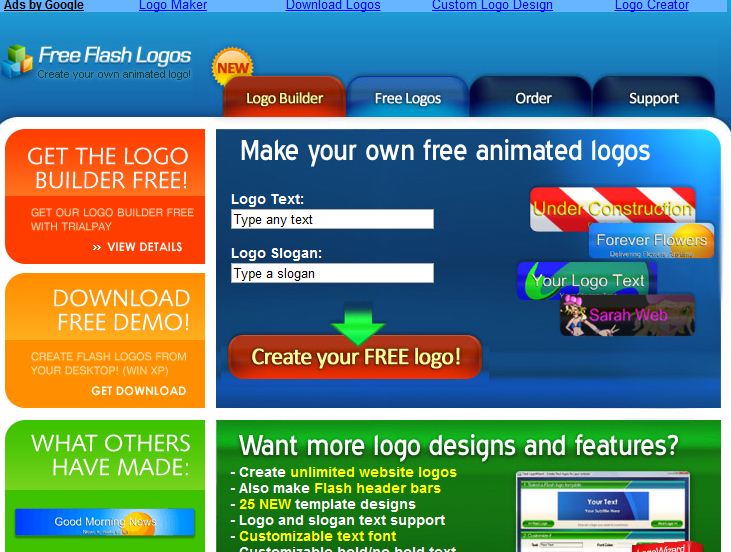
Free Flash Logos was a generator for animated Flash logos: you entered your text and slogan, chose a design and the tool built the logo. Adobe ended support for Flash Player on December 31, 2020, and began blocking Flash content on January 12, 2021, so Flash logos no longer play in modern browsers. As of October 2026, the freeflashlogos.com domain hosts a design-guide website rather than the original generator.
Website :- www.FreeFlashLogos.Com
LogoSnap
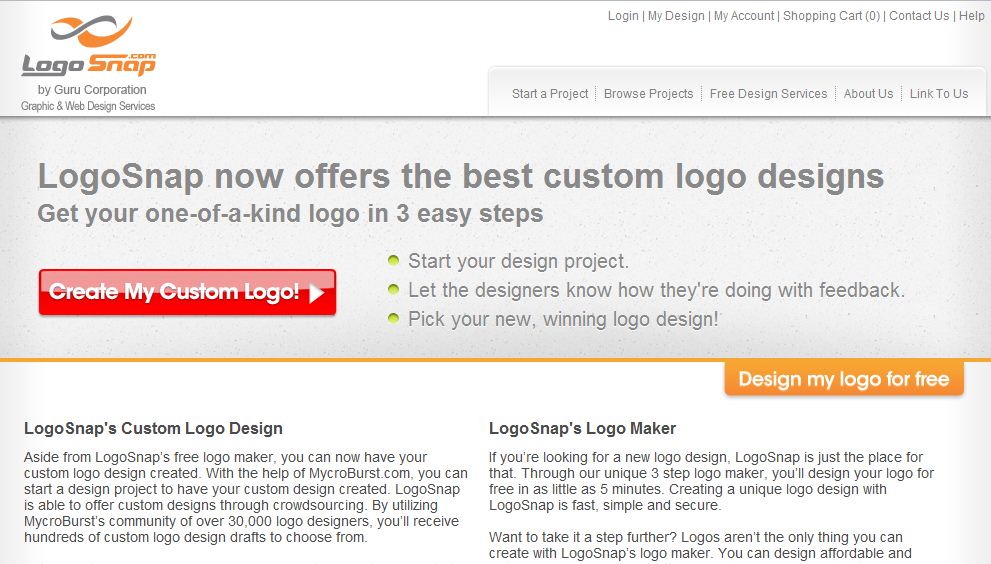
LogoSnap was a logo tool credited in the original version of this article to the Guru Corporation (not independently confirmed). As of October 2026, logosnap.com returns a blank page, so the tool appears to be offline.
Website :- www.LogoSnap.Com
FlamingText
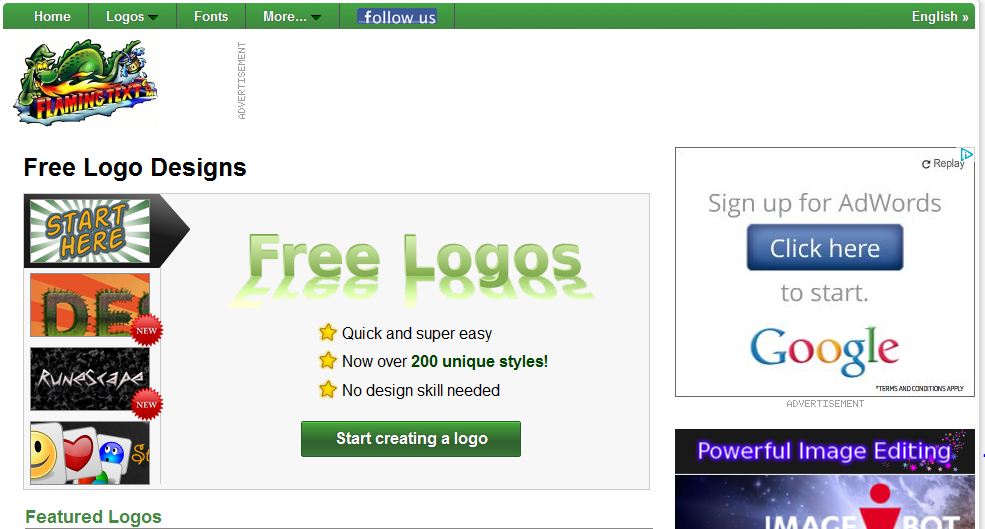
FlamingText, like CoolText, is a text-effect generator. It describes itself as a free online logo maker and text effect generator, offers PNG downloads with transparent backgrounds and says its logos are made without AI (as of October 2026); its site also links to a pricing page for paid features.
Website :- www.FlamingText.Com
LogoEase
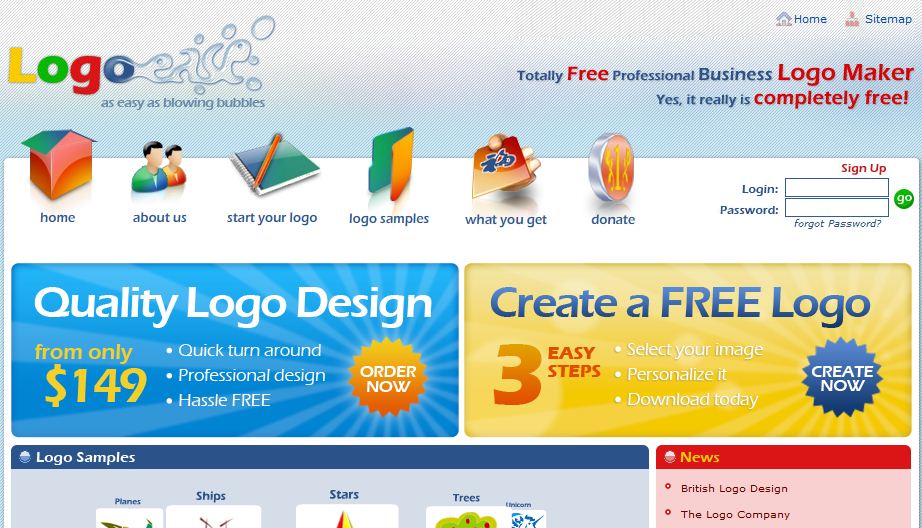
LogoEase was a free logo creator where you clicked a “Create a Free Logo Now” button to start. As of October 2026, the logoease.com domain no longer hosts a logo maker and shows unrelated gambling content, so it is best avoided.
Website :- www.LogoEase.Com
Of the 15 tools above, Adobe Express, Turbologo, VistaCreate, Designhill, Looka (formerly Logojoy), LogoMaker, CoolText, Online Logo Maker and FlamingText were still operating when checked in October 2026. If this list helped you, please share it.
Which Free Logo Makers Still Work?
The table below summarizes the status of every tool in this list as checked in October 2026. Prices change often, so treat the paid figures as a guide and confirm them on each site.
| Tool | Status (October 2026) | What is free | What costs money |
|---|---|---|---|
| Adobe Express Logo Maker | Working | Templates, editing and PNG, JPG and PDF downloads | Optional paid Adobe plans |
| Turbologo | Working | Designing and previewing logos | One-time download packages; price varies by region |
| VistaCreate | Working | Templates and design objects | Check current plans |
| Designhill | Working | Designing a logo | Download packages from $20, $65 and $125 |
| Looka (formerly Logojoy) | Working | Generating and editing logo options | Logo and brand packages |
| LogoMaker | Working | Online editor | Check current download pricing |
| CoolText | Working | Text logos and graphics | Not stated |
| Online Logo Maker | Working | 300 px downloads | Premium: 2,000 px, transparent background, SVG |
| FlamingText | Working | Text logos, transparent PNG downloads | Some paid features |
| Logaster | Redirects to ZenBusiness | Not available | Not available |
| EasyFreeLogo | Offline | Not available | Not available |
| LogoYes | Redirects to Web.com | Not available | Not available |
| Free Flash Logos | Now a design blog; Flash is discontinued | Not available | Not available |
| LogoSnap | Blank page | Not available | Not available |
| LogoEase | Domain now shows gambling content | Not available | Not available |
How Do You Choose a Free Logo Maker?
A free logo maker is worth using when it lets you download the files you actually need without a surprise charge at the end. Check these points before you spend time on a design:
- Download cost: find out whether the free option includes a usable download or only a preview. Several tools in this list are free to design but paid to download.
- File formats: look for a transparent PNG for websites and social media, and a vector file (SVG, EPS or PDF) for print and signage.
- Resolution: a 300 px file, like Online Logo Maker’s free download, is fine for a small web icon but too small for print.
- Usage rights: read the licence terms, especially if the logo uses stock icons or templates that other businesses can also use.
- Editing later: a free account that saves your project makes it easier to adjust colors or text later.
How to Create a Logo Online for Free, Step by Step
- Settle the name first. If you have not chosen one yet, the free business name generator can help you shortlist ideas.
- Pick two or three brand colors. A tool such as the brand color palette generator gives you matching hex codes to enter in any logo maker.
- Start from a template, then simplify. Change the icon, font and spacing until the logo is still readable at a small size.
- Test it in context. View the design on light and dark backgrounds and as a small social media profile image.
- Download every format you need. Keep a transparent PNG and, if available, a vector file in a safe folder.
For more background on what makes a logo work, see key steps to an ideal logo for your business and why a brand logo matters.
Free Logo Maker or Design Software?
Online logo makers are the fastest route to a simple logo, while desktop design software gives you full control over every shape. If you want to build a logo from scratch, compare the options in this guide to graphic design software. Marketplaces such as Designhill sit in between, letting you hire a designer or run a design contest when a template is not enough.
Once your logo is final, consider whether it needs legal protection. A template-based logo built from common stock icons may be harder to protect, so read about why creators trademark their brand before you invest heavily in one design.
Frequently Asked Questions
Is there a completely free logo maker?
Yes. As of October 2026, Adobe Express Logo Maker says it is free for everyone and lets you download logos as PNG, JPG and PDF files. CoolText and FlamingText also offer free text logos, and Online Logo Maker offers a free 300 px download.
Why do some free logo makers charge to download?
Many logo makers, including Turbologo, Designhill and Looka, let you design and preview a logo for free and then sell the high-resolution, transparent or vector files. Always check the download price before you spend time on a design.
What happened to Logojoy?
Logojoy rebranded as Looka on April 2, 2019. The Toronto-based company said its old name pigeonholed it as just a logo maker, and it expanded into brand packages, business cards and websites. The old logojoy.com address redirects to Looka.
Can I still make a Flash logo?
No. Adobe ended support for Flash Player on December 31, 2020, and began blocking Flash content on January 12, 2021. For an animated logo today, use a tool that supports animation; Adobe Express, for example, includes animation in its free plan.
What file format should a logo be saved in?
Save a transparent PNG for websites and social media and a vector file such as SVG, EPS or PDF for printing. Vector files can be resized without becoming blurry, which matters for signs, merchandise and large prints.

Justwebworld has published guides since 2012. How we write and update articles Report an error

3 Comments
Hello! We invite you to visit EasyFreeLogo(dot)com too.
Webmaster is it possible to include it?
A Professional logo adds very much value to website or any business. Thanks for queuing up the best logo design websites. I am sure this will help in creating unique logo for any business.
Thank you for giving us an useful article. You have provided a lot of tools to create logo and I just wanna suggest some extra tools.
You can visit my website to find out a lot of great solutions.