

A virtual VPN server location gives you an IP address for one country while the server itself sits in another. ExpressVPN explains that with a virtual location, the registered IP address matches the country you selected, while the physical server is located in another country. To websites, you appear to be in the country you chose; your traffic simply travels to a different physical place first.
Providers use virtual locations where hosting servers locally is difficult, unsafe or slow. They are a normal part of how many VPNs offer large country lists, but they matter if you care about where your data physically goes or about speed. This guide explains how they work, why they exist and how to spot them.
Key takeaways
- Virtual location: an IP address for one country, a server in another.
- Websites see the advertised country, not where the server sits.
- Providers use them where local hosting is hard, unsafe or censored.
- Speed depends on the physical location, not the label.
- Providers label them differently; check their server lists.
How a virtual location works
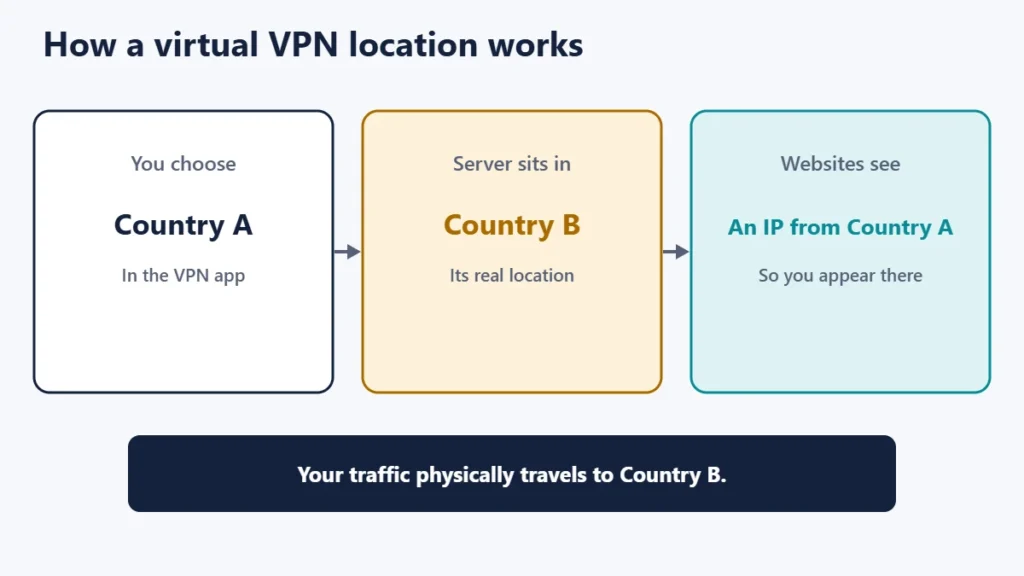
Websites mostly judge your location from your IP address and the country it is registered to. A provider can assign a server in one country an IP address registered to another. ExpressVPN gives an example on its support page: a location listed for Indonesia served from Singapore.
Providers describe the idea in slightly different ways. Proton calls its version Smart Routing, explaining that instead of running servers physically inside certain countries, it uses servers located elsewhere, and you appear to access the internet from the chosen location. Surfshark describes a virtual server location as a partitioned space inside a physical server, which customers experience as the chosen location.
Why providers use virtual locations
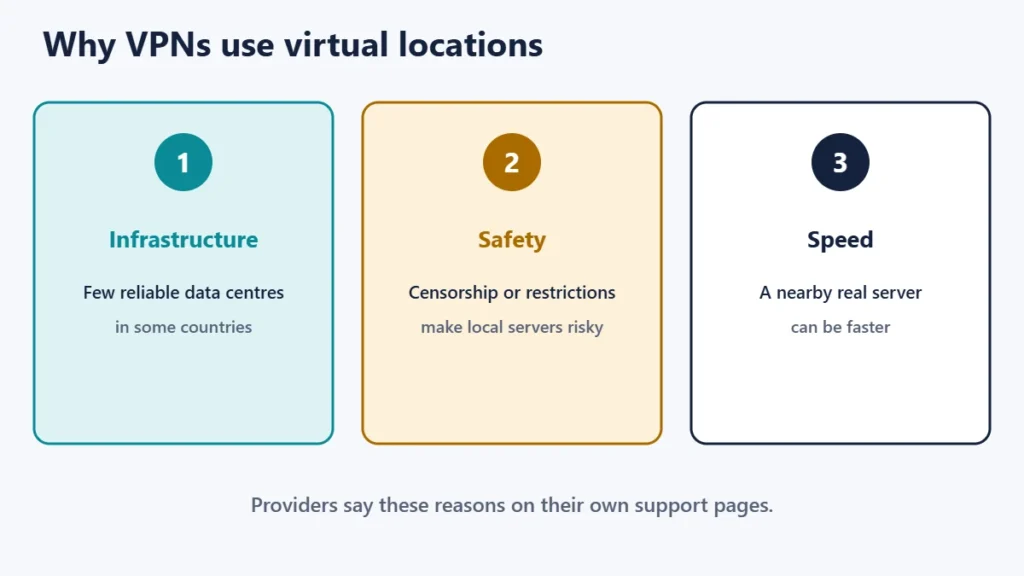
- Infrastructure. ExpressVPN says that in some countries it can be difficult to find server infrastructure that meets its standards. Surfshark cites a lack of reliable data centres and top-tier internet providers in particular countries.
- Safety and censorship. Proton says Smart Routing lets it provide access in countries where government censorship and restrictions make local servers a problem.
- Performance. Proton says a Smart Routing server may provide faster and lower-latency connections than one physically in the destination country, and Surfshark says virtual locations help it maintain high speeds.
Physical vs virtual locations
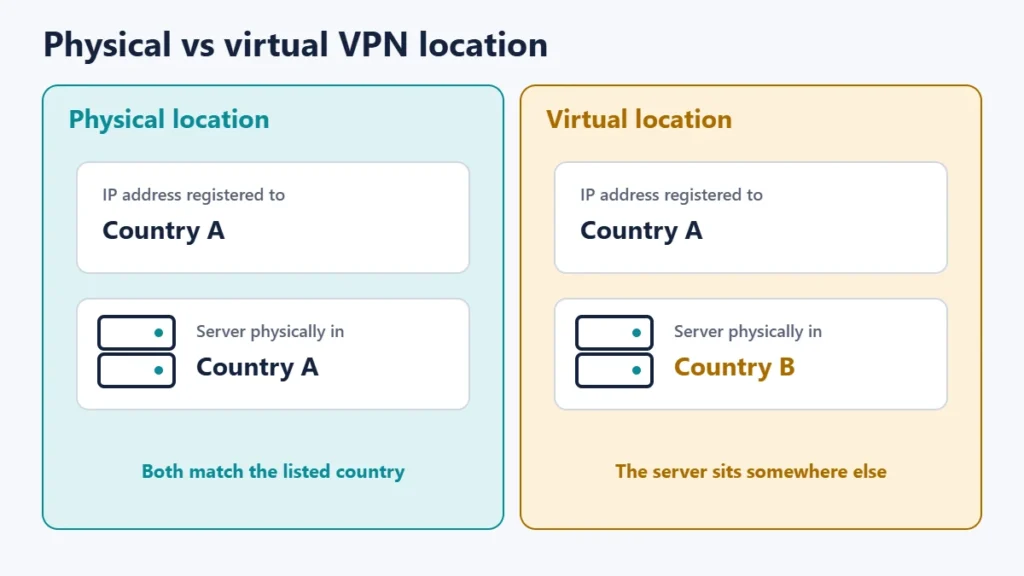
| Physical location | Virtual location | |
|---|---|---|
| Where the server is | In the listed country | In another country |
| Country websites see | The listed country | The listed country |
| Where your traffic physically goes | The listed country | The server’s real country |
| Speed depends on | Distance to the listed country | Distance to the real server |
| Typical use | Most locations | Countries where local hosting is hard |
Does it matter to you?
- For reaching local services, a virtual location usually works the same, because sites see the country’s IP address.
- For speed, the physical distance is what counts. Our guide to whether server location matters explains why distance adds delay.
- For data location, if you specifically need your traffic to pass through or stay in a particular country, a virtual location will not do that.
- For privacy from local authorities, traffic does not physically enter the advertised country, which is part of why providers use them in restrictive places.
How to tell if a location is virtual
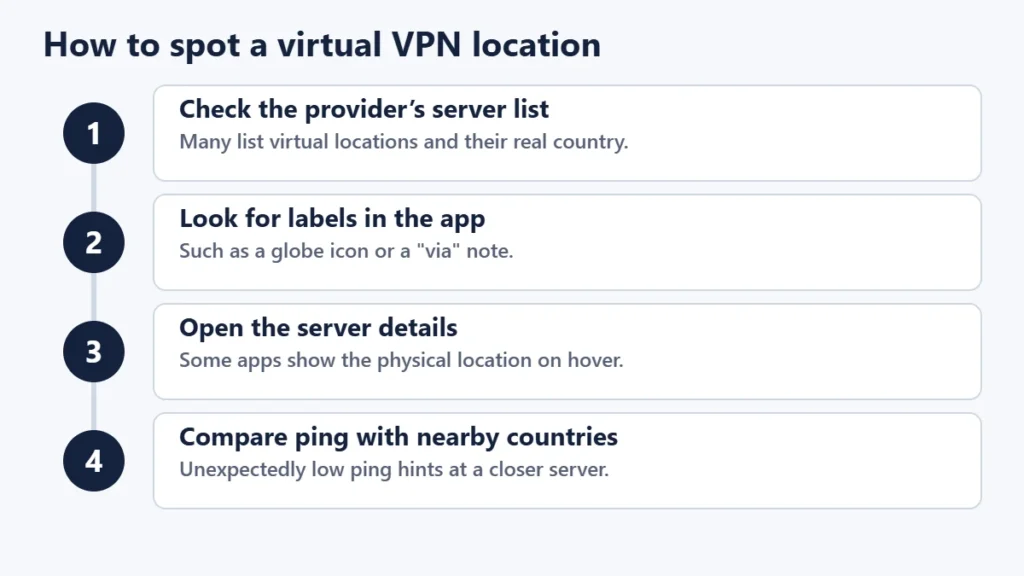
- Check the provider’s list. ExpressVPN’s support page lists its virtual locations with the physical country, for example “via Germany”, and says all other locations are physically in the specified country.
- Look for icons in the app. Proton marks Smart Routing servers with a globe icon in several of its apps, and on Windows hovering shows the physical location. Its page notes some platforms do not mark them yet.
- Compare ping. If a far-off country has suspiciously low latency from you, the server may be nearer than the label suggests. Our guide to ping, jitter and latency explains the measurements.
Common misunderstandings
- “Virtual means fake.” The server and IP address are real; only the physical location differs.
- “It won’t work for local sites.” Usually it does, because sites check the IP address.
- “All locations are physical.” Many providers mix both; read their disclosures.
- “A virtual location is slower.” It can be faster if the real server is closer to you.
Frequently asked questions
Are virtual VPN locations safe?
They use the same encryption as other servers. The main difference is where the server physically sits.
Why would a VPN not have a real server in a country?
Providers cite unreliable infrastructure, safety concerns and censorship in some countries.
Do websites know I’m on a virtual location?
They see an IP address registered to the advertised country, and may recognise it as a VPN address like any other.
Will a virtual location be slower?
It depends on where the real server is. If it is closer to you than the advertised country, it may be faster.
How do I avoid virtual locations?
Check your provider’s list and choose locations marked as physical.
Do all VPNs use virtual locations?
Not all, and those that do describe them differently. Read the provider’s server information.
The short version
A virtual VPN location gives you an IP address for one country from a server in another. Providers use them where local hosting is difficult, unsafe or censored, and they usually work the same for reaching local sites. Speed depends on the server’s real location, and data does not physically enter the advertised country. Check your provider’s list or app icons to see which locations are virtual. To make sure your VPN connection is working properly, see how to check if your VPN is working.

Justwebworld has published guides since 2012. How we write and update articles Report an error
