

A dedicated IP VPN gives you an IP address that only you use, instead of one shared with other VPN customers. Surfshark describes a dedicated IP as a unique IP address assigned exclusively to a single user or account, while regular VPN addresses are shared among many users. That can mean fewer CAPTCHAs and blocks, and lets you reach work systems that only accept approved addresses.
The trade-off is privacy: an address used by one person is easier to link to that person than a shared one. It also usually costs extra. This guide explains how dedicated IPs work, who benefits, and what to weigh before you buy one.
Key takeaways
- A dedicated IP is yours alone; a shared VPN IP is used by many people at once.
- Main benefits: fewer CAPTCHAs and blocks, and access to IP-allowlisted work systems.
- Main cost: less anonymity, because the address is tied to your account.
- Usually a paid add-on, with a limited choice of locations.
- Most people do not need one for everyday privacy or public Wi-Fi.
Shared IP vs dedicated IP
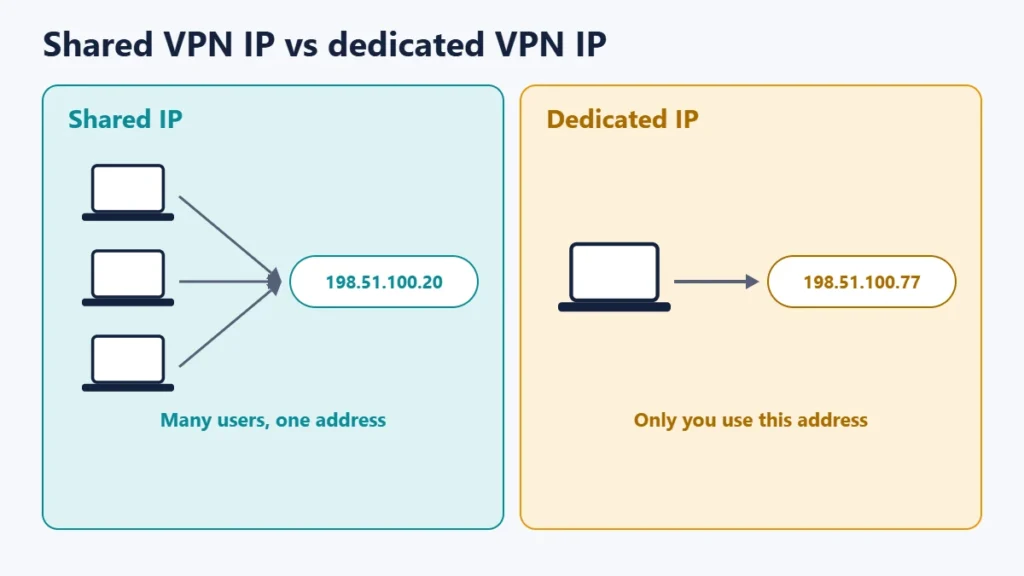
With most VPNs, many customers connected to the same server appear online with the same IP address. ExpressVPN notes that a VPN IP address is typically shared with multiple users or devices connected to the same server at any given time. That crowd is good for privacy, but it means you inherit the reputation of everyone else on that address.
| Shared VPN IP | Dedicated VPN IP | |
|---|---|---|
| Who uses it | Many VPN customers at once | Only you |
| Privacy | Harder to link to one person | Easier to link to your account |
| CAPTCHAs and blocks | More likely | Less likely |
| Work allowlists | Unsuitable | Suitable |
| Location choice | All the provider’s servers | A limited list, usually fixed once chosen |
| Cost | Included | Usually extra |
Benefits of a dedicated IP
Fewer CAPTCHAs and blocks
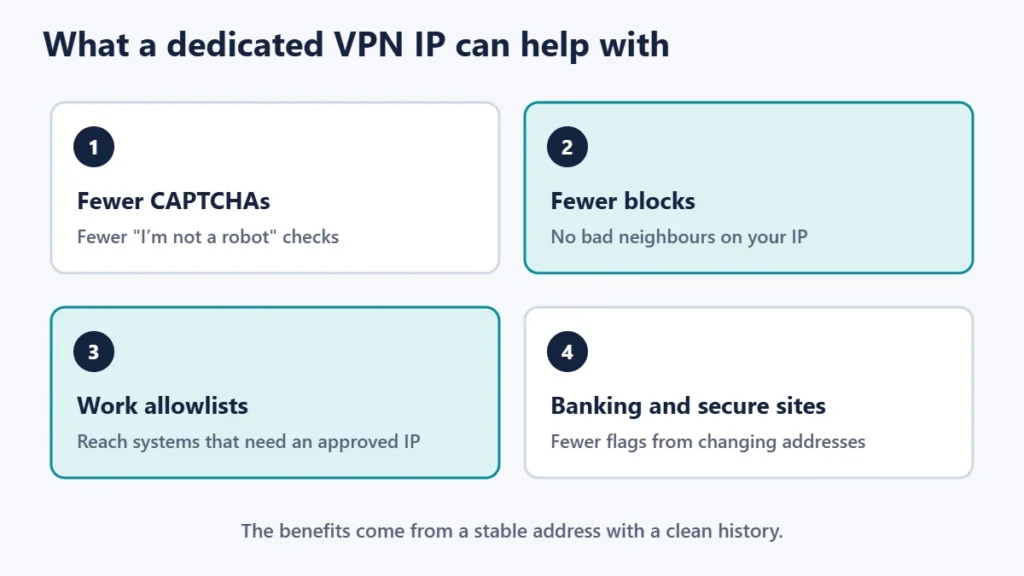
Sites often treat busy shared addresses with suspicion. Surfshark says websites may flag visits from shared IPs and show more “I’m not a robot” tests. ExpressVPN calls this the “bad neighbour” effect: with a shared IP, your online reputation can be affected by other users.
Access to work systems
Some companies only allow connections from approved addresses. ExpressVPN explains that IT teams whitelist a fixed IP address to grant secure access to internal systems. A dedicated VPN IP gives you an address that can be added to that list.
Banking and sensitive sites
ExpressVPN notes that banking apps may restrict access as a precaution against fraud if your IP address changes. Surfshark says a dedicated IP makes it easier to reach secure services like banking or a remote company network that may block shared VPN IPs.
The privacy trade-off
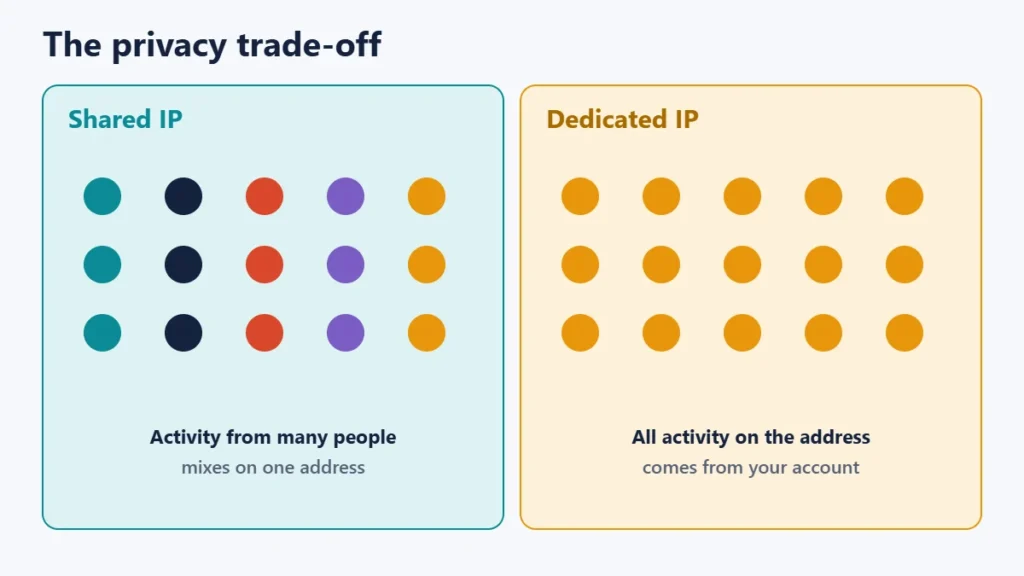
This is the main reason not to buy one by default. Surfshark says that because a dedicated IP add-on is more closely associated with your account, it may offer less privacy than a shared IP. ExpressVPN puts it as trading some of the privacy of shared addresses for consistency and convenience.
Some providers describe ways to reduce the link between your account and your address. ExpressVPN, for example, says it uses a token-based system to separate your payment details from the IP it assigns. That is the provider’s own description, so read each provider’s explanation and privacy policy before you buy.
Who should get a dedicated IP
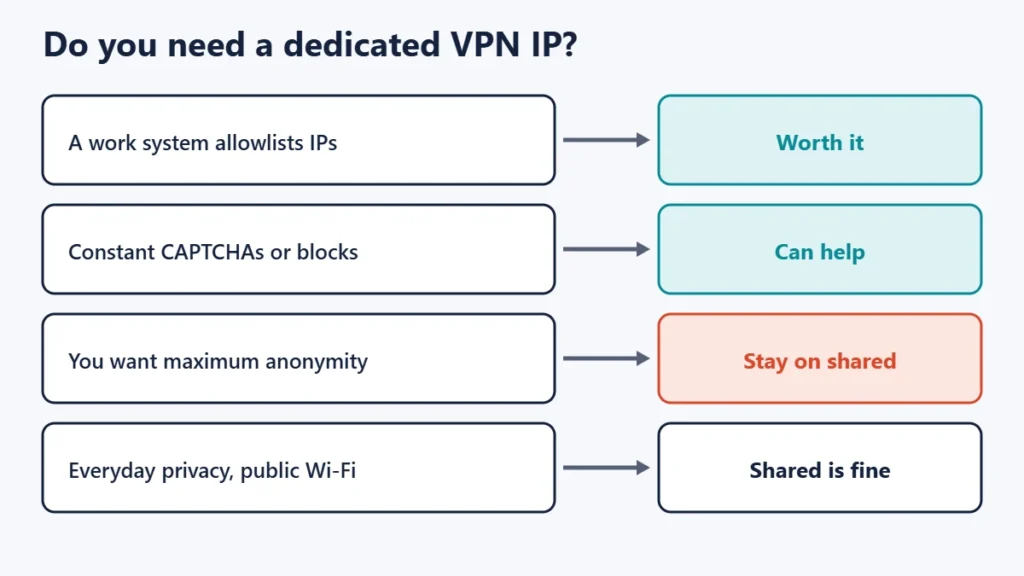
- Remote workers whose company allowlists IP addresses.
- People constantly blocked or asked for CAPTCHAs on sites they use daily.
- Small businesses that need a stable address for admin panels or servers.
For everyday privacy, public Wi-Fi and streaming, a shared IP is usually fine. Our guide to using free Wi-Fi securely covers that use. If you run a website, the hosting equivalent is different; see our guide to dedicated IP addresses for websites.
What to check before buying
- Locations. Choice is limited, and Surfshark notes you cannot change location after getting your dedicated IP. ExpressVPN also says the location is fixed for the duration of the add-on.
- Price and plan. It is usually an add-on; ExpressVPN includes it on one plan and sells it as an add-on on others.
- Privacy approach. Read how the provider links, or separates, your account and address.
- Whether your use really needs it. Ask your IT team, or test whether the blocks you face come from shared addresses.
- Refund policy. See our guide to VPN money-back guarantees.
Common mistakes
- Buying one for privacy. It does the opposite.
- Expecting it to unblock every site. It reduces some blocks but is not a guarantee.
- Choosing the wrong location, which you may not be able to change later.
- Using it for everything. Switch to a shared server when you do not need the fixed address.
Frequently asked questions
Is a dedicated IP the same as a static IP?
Not exactly. A static IP does not change; a dedicated IP is used only by you. Surfshark notes most dedicated IPs are also static.
Is a dedicated IP VPN safe?
The encryption is the same as a normal VPN connection. The difference is that your activity is easier to link to your account.
Will a dedicated IP stop CAPTCHAs?
It can reduce them, because your address is not shared with others. It will not remove them entirely.
Can I use a dedicated IP for streaming?
Possibly, but that is not its main purpose, and availability varies by service and location.
Do I need a dedicated IP to work from home?
Only if your company’s systems allow access from specific addresses. Ask your IT team.
Can I have more than one dedicated IP?
It depends on the provider. Surfshark says it is not possible to have multiple dedicated IPs with one subscription.
The short version
A dedicated IP VPN gives you an address only you use, which helps with CAPTCHAs, blocks and work systems that allowlist addresses. In return you give up some anonymity and usually pay extra, with a limited and fixed choice of location. Get one only if you have a specific need, and use shared servers for everyday privacy. For a refresher on what VPNs do, see the pros and cons of using a VPN.

Justwebworld has published guides since 2012. How we write and update articles Report an error
