

You usually do not need a VPN for online banking, because banking sites and apps already encrypt your connection. The US Federal Trade Commission (FTC) notes that most websites use encryption to protect your information and that, because of this, connecting through public Wi-Fi is usually safe. A VPN can add a layer on networks you do not trust, but it can also trigger your bank’s fraud checks if it makes you appear to be in another country.
What protects your bank account most is not a VPN but strong login security, up-to-date devices and care with links. This guide explains when a VPN helps with banking, when it gets in the way, and how to bank safely either way.
Key takeaways
- Banking connections are already encrypted with HTTPS.
- A VPN adds a layer on untrusted Wi-Fi but is not essential.
- VPNs can trigger fraud checks if your location suddenly changes.
- Use a server in your own country if you bank over a VPN.
- Two-step verification and updates matter more than a VPN.
How your banking connection is already protected
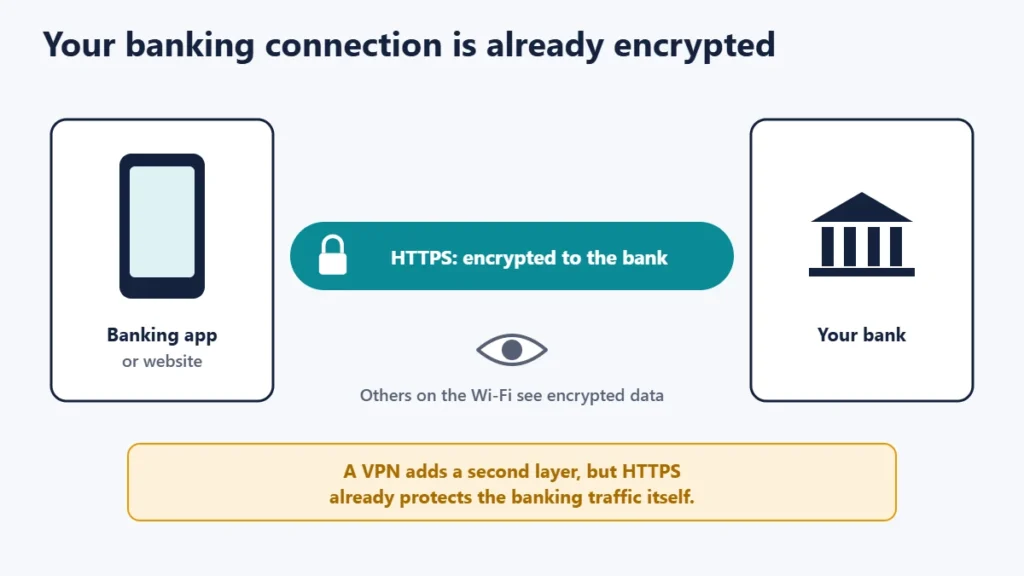
Banking websites and apps use HTTPS, so what you send, including your password, is encrypted between your device and the bank. The FTC advises looking for a lock symbol or https in the address bar. It also warns that encryption does not protect you from a scam site: if you visit a fake bank page, your data may be encrypted on its way there but won’t be safe from the scammers running it.
When a VPN helps with banking
- On public or shared Wi-Fi you do not trust, a VPN hides which sites you visit from others on the network and adds a second layer of encryption. Our guide to using free Wi-Fi securely covers other steps.
- On networks that might be misconfigured or run by someone you do not know.
- When travelling, a VPN server in your home country can make your connection look like it comes from home, which some banking services expect.
When a VPN gets in the way
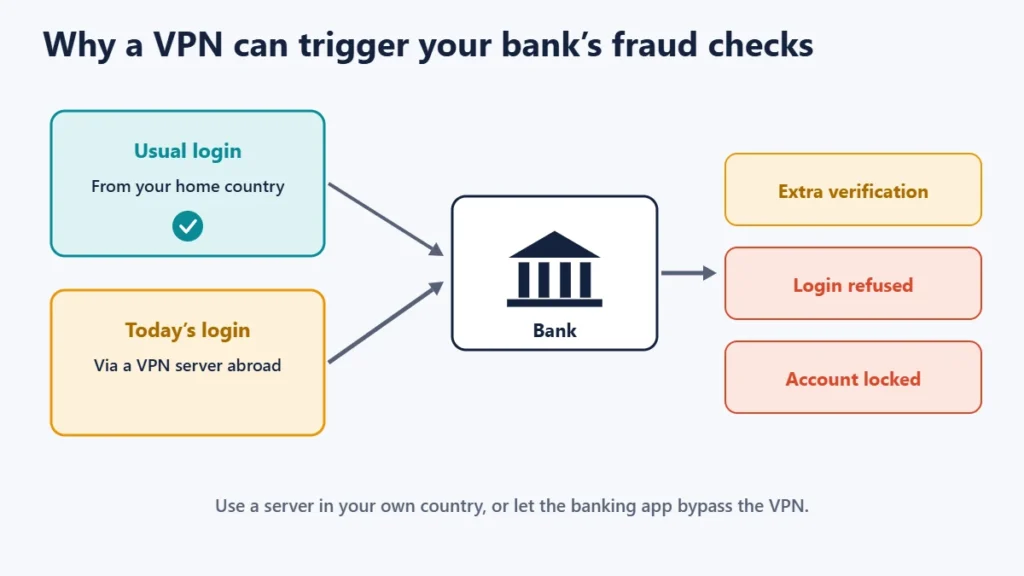
Banks watch for unusual activity. ExpressVPN notes that banking apps may restrict access as a precaution against fraud if your IP address changes to one from another country. You might be asked for extra verification, have a login refused, or in some cases find your account temporarily locked. Shared VPN addresses used by many people can also look suspicious.
If this happens, connect to a VPN server in your own country, use split tunnelling to let the banking app bypass the VPN, or turn the VPN off while banking on a trusted network.
Banking with and without a VPN
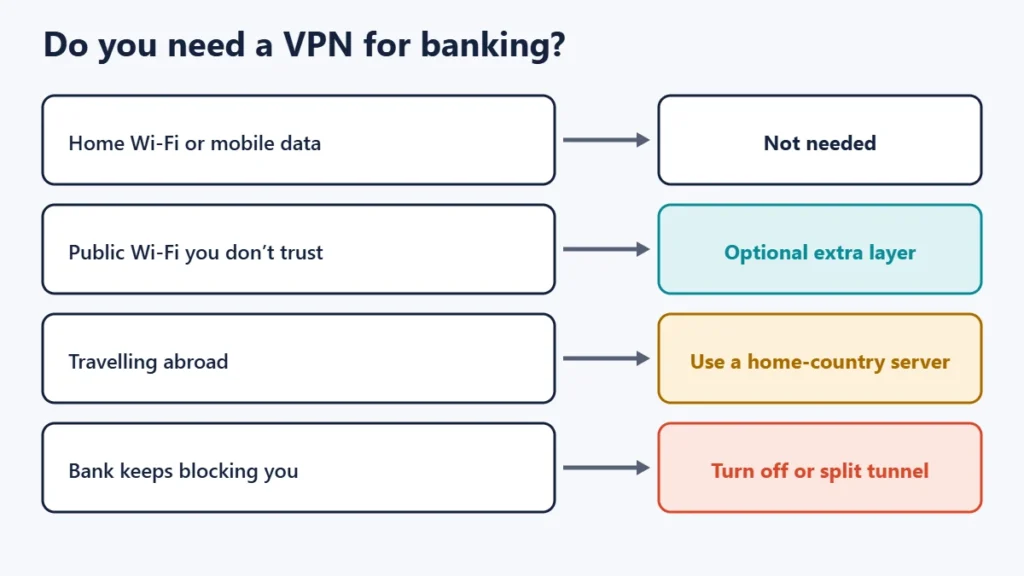
| Situation | VPN? | Why |
|---|---|---|
| Home Wi-Fi you control | Not needed | HTTPS already protects the connection |
| Mobile data | Not needed | Your carrier connection plus HTTPS |
| Public Wi-Fi you don’t trust | Optional extra layer | Adds privacy on the network |
| Travelling abroad | Use a home-country server, if any | Avoids sudden foreign logins |
| Bank keeps blocking you | Turn it off or split tunnel | Fraud checks dislike VPN addresses |
What protects your bank account most
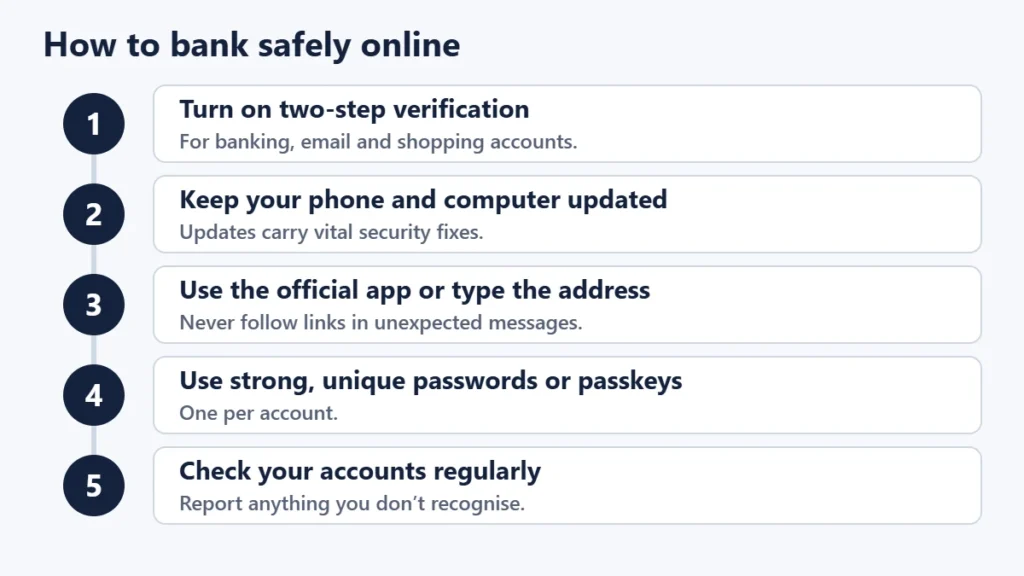
- Turn on two-step verification. The UK National Cyber Security Centre (NCSC) advises protecting your most important accounts, such as email, banking, social media and online shopping, with 2-step verification. See our guide to two-factor authentication.
- Keep devices updated. The NCSC notes that software and app updates contain vital security fixes.
- Use the official app, or type your bank’s address yourself, rather than following links.
- Be wary of messages asking you to log in, confirm details or move money.
- Use strong, unique passwords, or passkeys where your bank supports them; see our guide to passkeys vs passwords.
- Check your accounts regularly for activity you do not recognise.
If you do use a VPN for banking
- Pick a reputable, paid VPN with a clear privacy policy. Our guide on whether free VPNs are safe explains the risks of unknown free services.
- Connect to a server in your own country.
- Keep the kill switch on and check the connection is not leaking; see how to check if your VPN is working.
- Expect occasional extra checks, and keep your bank’s contact details handy.
Common mistakes
- Thinking a VPN stops banking scams. It does not protect you from fake sites or phishing.
- Logging in through a far-away server, which can lock your account.
- Using an unknown free VPN for financial accounts.
- Skipping two-step verification because a VPN is on.
Frequently asked questions
Is it safe to use a VPN for online banking?
Yes, with a reputable provider and a server in your own country. It is just not usually necessary.
Is it safe to bank on public Wi-Fi?
The FTC says public Wi-Fi is usually safe because most sites use encryption. A VPN or mobile data adds peace of mind on networks you do not trust.
Why does my bank block me when I use a VPN?
The VPN can make your login appear to come from an unexpected location or a shared address, which fraud systems flag.
Should I use a VPN for my banking app?
Not on trusted networks. If you want the VPN on for other apps, use split tunnelling for the banking app.
Does a VPN protect against bank phishing?
No. Phishing tricks you into giving details away; only caution and good habits prevent it.
Can I access my bank abroad with a VPN?
A server in your home country may help, but check your bank’s guidance on using accounts abroad.
The short version
Your bank’s HTTPS connection already encrypts your banking, so a VPN is optional. It can add a layer on untrusted Wi-Fi, but it can also trigger fraud checks if it makes you appear to be elsewhere, so use a server in your own country or let the banking app bypass it. Two-step verification, updates and care with links protect your account far more. For what VPNs can and cannot do, see the pros and cons of using a VPN.

Justwebworld has published guides since 2012. How we write and update articles Report an error
