

Websites block VPNs mainly because many people share the same VPN IP addresses, which makes it harder to stop fraud and abuse, and because some services are only licensed for certain countries. When a site sees traffic from a known VPN address, it may show extra CAPTCHAs, block logins, or refuse to play content. Netflix’s help page, for example, says simply: you seem to be using a VPN or proxy, please turn off any of these services and try again.
Blocks are usually about the IP address, not about you. This guide explains why sites block VPNs, how they spot them, and the practical options when it happens.
Key takeaways
- Shared addresses mean one person’s abuse can get an IP flagged for everyone.
- Fraud checks treat sudden location changes as a warning sign.
- Licensing limits some streaming content to certain countries.
- Sites spot VPNs mostly through known VPN IP address ranges.
- Fixes include another server, a dedicated IP, or turning the VPN off for that site.
Why websites block or challenge VPN traffic
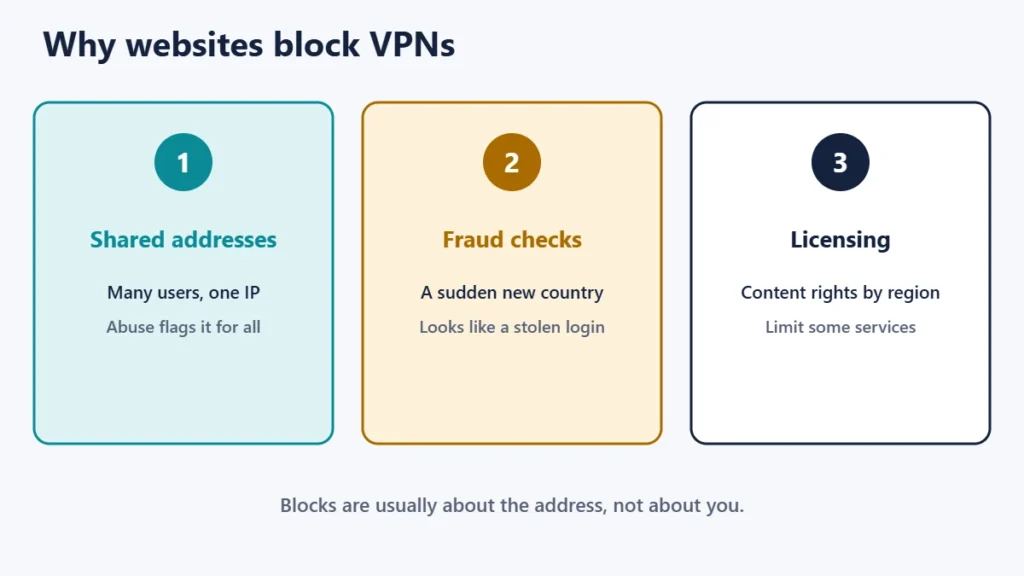
1. Shared IP addresses and abuse
On most VPNs, many customers share each server’s IP address. ExpressVPN explains that because a shared address is used by many people, websites and online services may flag that address, potentially affecting everyone who shares it. If a few users send spam, scrape a site or try to break into accounts, the whole address can end up blocked or heavily challenged.
2. Fraud prevention
Banks, payment services and shops watch for logins that suddenly come from a different country. ExpressVPN notes that banking apps may restrict access as a precaution against fraud if your IP address changes to one from another country. A VPN can make your login look like that.
3. Licensing and regional rights
Streaming services often have rights to show content only in certain countries. Proton VPN’s streaming page quotes Netflix’s terms, which say content may be accessed primarily within the country where you set up your account, and notes that using a VPN to reach content not licensed for your area is against Netflix’s policy. Netflix also says VPNs can make a device look like it is connecting from somewhere other than its physical location.
4. Security policies
Some organisations block VPN and proxy traffic outright on their own systems, for example to stop people hiding where they are connecting from.
How websites detect VPNs
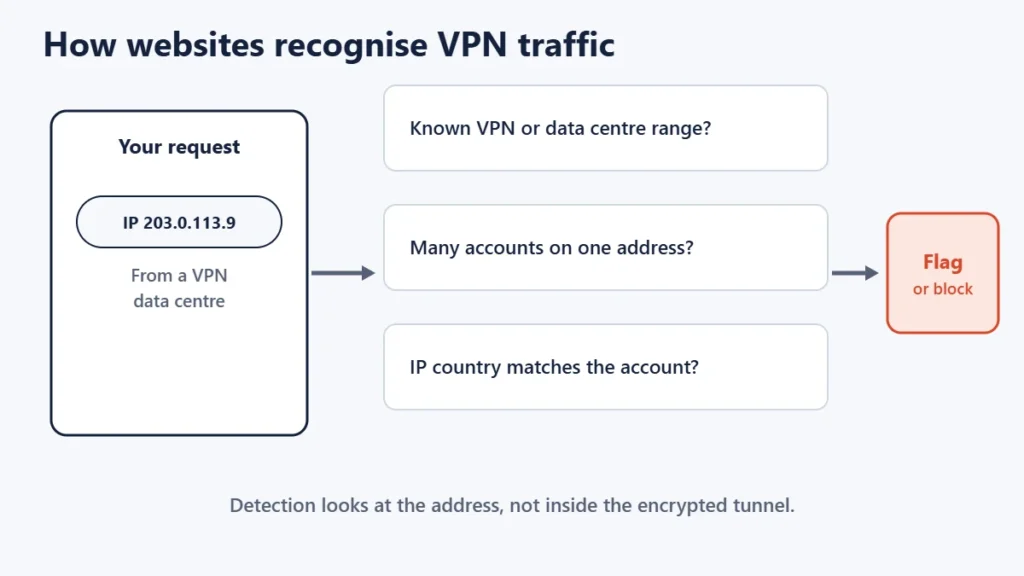
- Known VPN and data centre addresses. VPN servers usually sit in data centres, and their address ranges are widely known.
- Many users on one address. Lots of different accounts logging in from the same IP looks unusual.
- Location mismatches. An address in one country with an account, payment card or device settings from another can trigger checks.
This is different from a network blocking VPN connections, which some workplaces and countries do; that is what obfuscation features are for. Here, the VPN connects fine, but the website treats your traffic with suspicion.
What blocks look like
| What you see | Likely reason |
|---|---|
| Endless CAPTCHAs | The shared address has a poor reputation |
| “Access denied” or a 403 error | The site blocks known VPN addresses |
| A streaming “proxy or VPN” message | Licensing rules for that service |
| Extra login checks or a locked account | Fraud systems saw an unusual location |
| Payment declined | Location mismatch flagged as risky |
Our guide to the 403 Forbidden error covers other reasons a site may refuse access.
What you can do
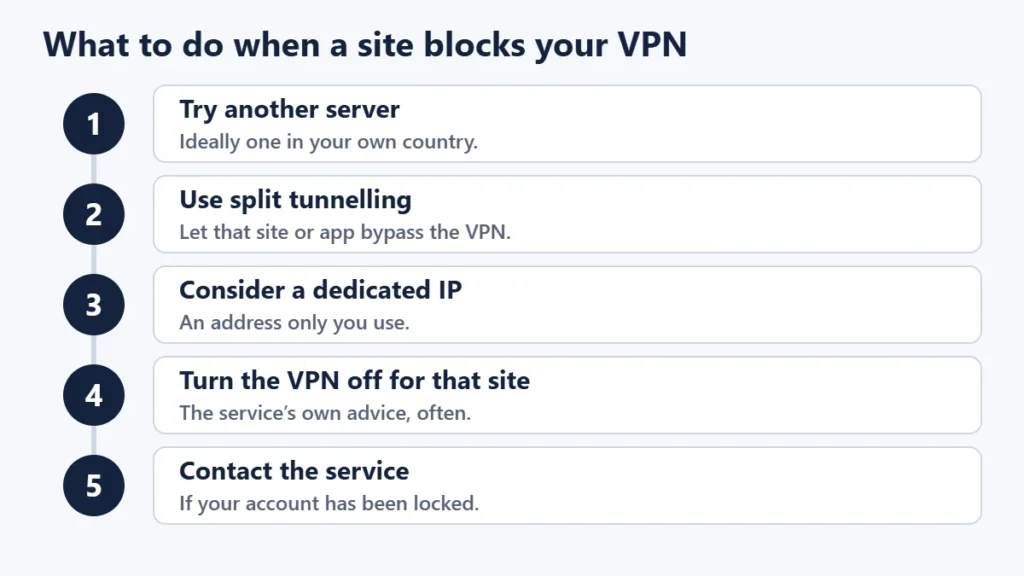
- Try another server, ideally in your own country. Different servers have different addresses and reputations.
- Use split tunnelling, if your VPN supports it, so the site or app that blocks you goes over your normal connection while everything else stays on the VPN.
- Consider a dedicated IP. ExpressVPN describes it as an address assigned only to you, which avoids sharing a reputation with other users.
- Turn the VPN off for that site. Netflix’s own advice is to turn VPNs off if problems persist.
- Contact the service if your account has been locked after a login from a VPN.
Before trying a different server, it is worth checking that your VPN is not leaking or misbehaving; our guide on how to check if your VPN is working covers that.
Is it legal to use a VPN on sites that block them?
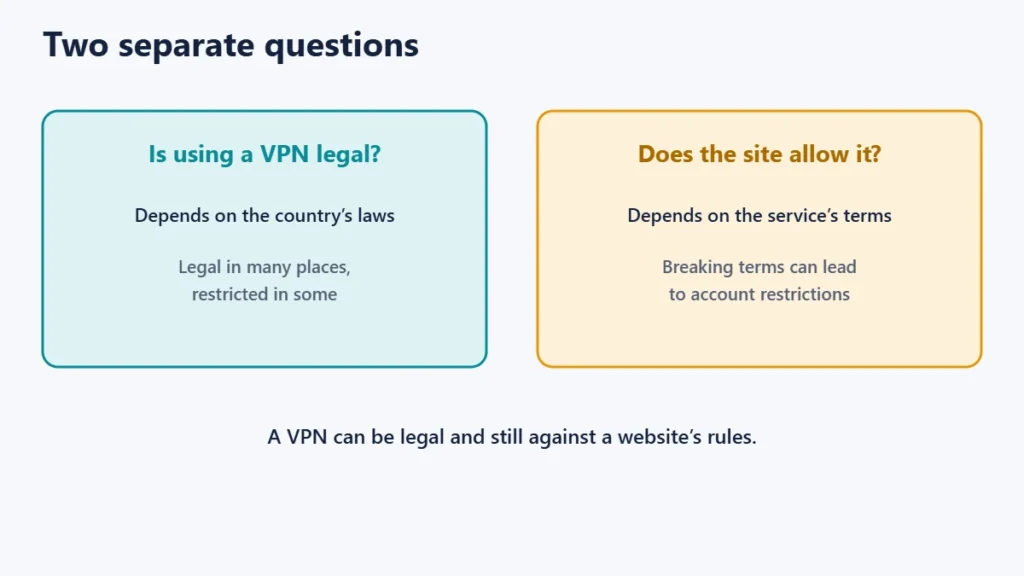
Using a VPN is legal in many countries, but breaking a service’s terms can still get your account restricted. Proton notes that it is not illegal to use a VPN for streaming, while also saying that reaching content not licensed for your area is against Netflix’s policy. Check the terms of services you rely on, and the law where you are.
Common mistakes
- Assuming the VPN is broken when only one site is blocking it.
- Logging in to banks from far-away servers, which can trigger fraud locks.
- Retrying endlessly on a flagged address instead of switching servers.
- Ignoring service terms and risking an account ban.
Frequently asked questions
Why do I get so many CAPTCHAs on a VPN?
Your shared VPN address may have been used for automated or abusive traffic by others. Switching servers often helps.
Can websites tell I’m using a VPN?
Often, yes, because VPN server addresses are well known. They usually cannot see what you do inside the encrypted connection to the VPN.
Why does my bank block my VPN?
Banks watch for unusual locations as a fraud check. Use a server in your own country, or turn the VPN off for banking.
Will a dedicated IP stop all blocks?
It helps with blocks caused by other users’ behaviour, but not with licensing rules or sites that block all VPN addresses.
Does split tunnelling help?
Yes. It lets a blocked site or app use your normal connection while the rest of your traffic stays on the VPN.
Is using a VPN against the rules?
It depends on the service. Some allow VPNs, some restrict them. Read the terms.
The short version
Websites block VPNs because shared addresses attract abuse, sudden location changes look like fraud, and some content is licensed only for certain countries. Most detection is based on known VPN addresses. When a site blocks you, try another server in your own country, use split tunnelling or a dedicated IP, or turn the VPN off for that site. For a wider view of VPN trade-offs, see the pros and cons of using a VPN.

Justwebworld has published guides since 2012. How we write and update articles Report an error
