

Apache, Nginx and LiteSpeed are the web server software most hosting companies use to deliver websites. Apache is the long-standing, highly flexible option that supports per-folder .htaccess files. Nginx is built around an event-driven design and is widely used as a fast front end and reverse proxy. LiteSpeed is designed as a drop-in replacement for Apache that understands its configuration, and comes in a paid Enterprise edition and a free OpenLiteSpeed edition.
For most website owners, the host has already made this choice, and how well the server is configured matters more than which one it is. This guide explains how the three differ, what each one suits, and the questions worth asking a host.
Key takeaways
- Apache: flexible, modular and supports .htaccess files, which shared hosts rely on.
- Nginx: event-driven, widely used as a reverse proxy, configured centrally.
- LiteSpeed: Apache-compatible, with a built-in page cache; Enterprise is paid, OpenLiteSpeed is free.
- No universal winner: configuration, caching and hardware matter more than the name.
- Ignore benchmark headlines unless the test matches your kind of site.
What a web server does
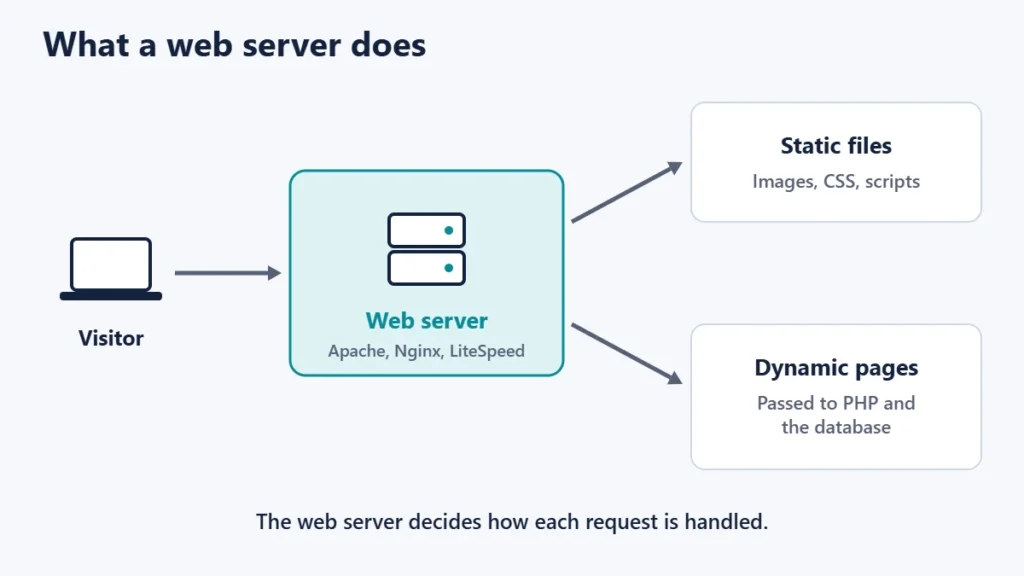
A web server is the software that receives requests from browsers and returns pages, images and files. For a WordPress site, it also passes requests for PHP pages to the PHP engine and sends the results back. It sits between the visitor and your website’s code, and often in front of a cache.
If hosting itself is new to you, start with our guide to what web hosting is.
Apache vs Nginx vs LiteSpeed at a glance
| Apache HTTP Server | Nginx | LiteSpeed | |
|---|---|---|---|
| Licence | Apache License 2.0 (free) | 2-clause BSD (free) | Enterprise: paid licences; OpenLiteSpeed: GPLv3 (free) |
| Design | Modular, with selectable processing modules | One master and several worker processes, event-based | Event-driven |
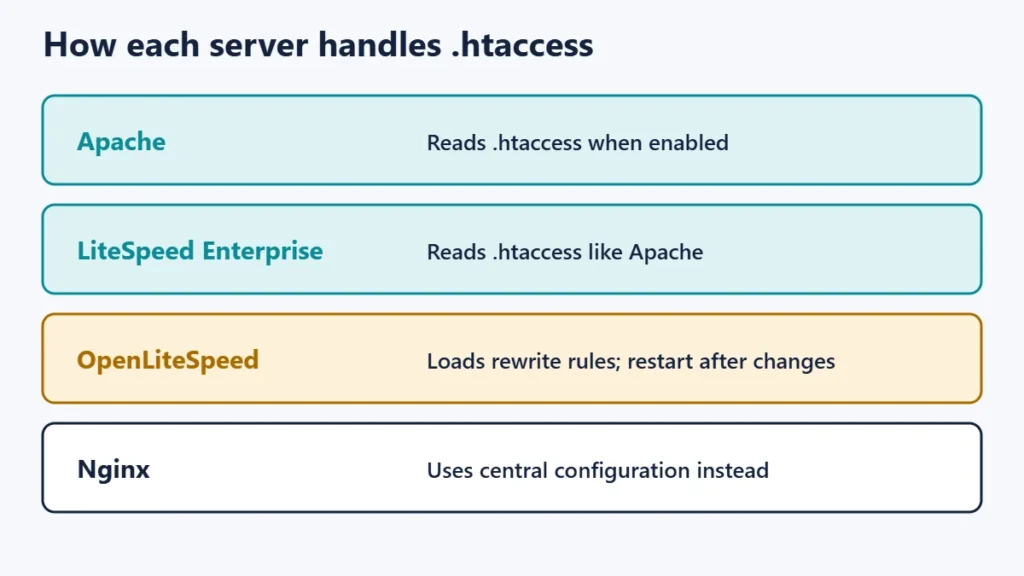
| .htaccess support | Yes, if enabled | Configured centrally instead | Enterprise reads .htaccess; OpenLiteSpeed loads its rewrite rules |
| Apache compatibility | Native | Rules must be rewritten | Designed as a drop-in replacement |
| Built-in page cache | Via modules | Via its content cache features | Yes, LSCache |
| Common role | General hosting, shared hosting | Front-end server, reverse proxy, load balancer | Shared and WordPress hosting |
Apache: flexible and familiar
Apache HTTP Server is free software under the Apache License, Version 2.0. It is built from modules, including different “multi-processing modules” (MPMs) that decide how it handles connections. Apache’s documentation describes prefork as non-threaded, worker as a hybrid of processes and threads, and event as a variant designed to use threads only for connections that are actively being processed. It adds that on modern systems the default will almost always be event.
Apache’s best-known feature is the .htaccess file, which lets site owners change settings for a folder without access to the main server configuration. That is why many shared hosts use Apache-compatible servers. Apache’s own documentation, however, says that if you can edit the main configuration you should put settings there instead, for two reasons: performance, because .htaccess files are checked on every request, and security, because they let users change server behaviour.
If your site shows a 403 error after editing .htaccess, our guide to the 403 Forbidden error explains what to check.
Nginx: event-driven and often in front
Nginx (pronounced “engine x”) describes itself as an HTTP web server, reverse proxy, content cache, load balancer, TCP/UDP proxy server and mail proxy server. Its documentation explains that it runs one master process, which reads the configuration, and several worker processes that handle requests using an event-based model. It is free software under a 2-clause BSD licence.
Many hosting set-ups use Nginx in front of another server or an application, which is why gateway errors such as 502 and 504 often come from it. Our guide to 502, 503 and 504 errors explains how that chain works.
Nginx is configured through central configuration files rather than per-folder .htaccess files. That suits servers where an administrator manages the settings, but it means Apache rewrite rules must be translated when moving a site.
LiteSpeed: Apache-compatible with a built-in cache
LiteSpeed Technologies describes LiteSpeed Web Server Enterprise as a drop-in replacement for Apache that can load Apache configuration files directly and supports .htaccess. It is licensed rather than free, with tiers for different uses.
OpenLiteSpeed is the open-source edition, free under GPLv3, with an event-driven design and a built-in full-page cache. It supports Apache’s mod_rewrite rules, and its documentation explains that it can load rewrite rules from .htaccess files automatically. It also notes that unsupported directives are ignored, and that the server must be restarted for changes to take effect, which is an important difference from Apache.
LiteSpeed’s page cache is the reason many WordPress hosts use it, typically together with the LiteSpeed Cache plugin. Caching often matters more to real-world speed than the choice of server, so read our tips to improve website speed alongside this guide.
Which is fastest?
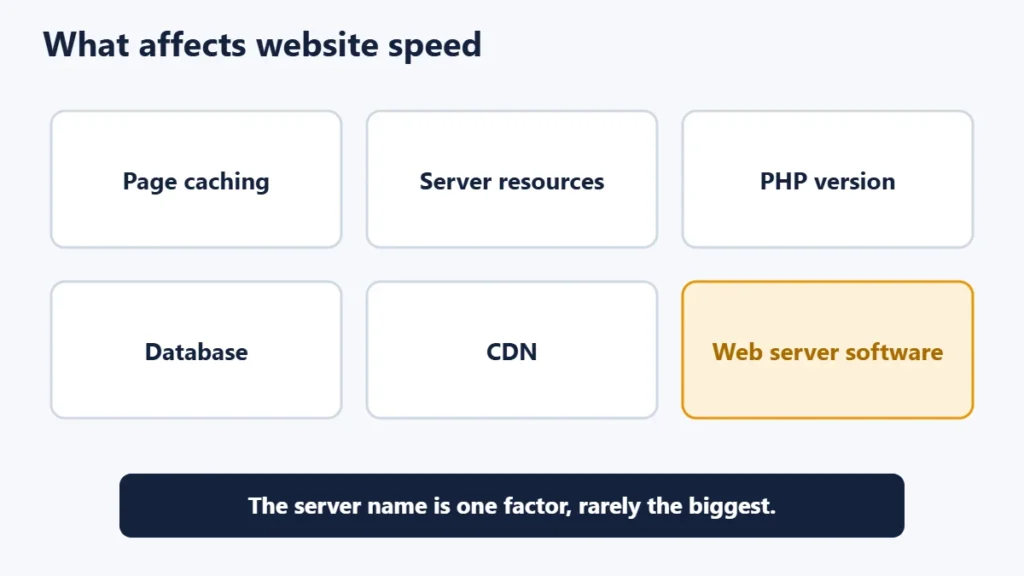
There is no single answer. Each server can be fast when configured well, and slow when it is not. Vendors and enthusiasts publish benchmarks, but results depend on the test: static files, PHP pages, cached pages, HTTP versions, hardware and settings all change the outcome. A test designed for one situation tells you little about another.
For a typical website, these usually make a bigger difference than the server name:
- Page caching, so that pages do not have to be built on every visit.
- Enough CPU and memory for your traffic.
- A current PHP version and sensible PHP settings.
- A responsive database and efficient plugins.
- A CDN for visitors far from the server. Our guide to CDNs explains how they help.
Which should you choose?
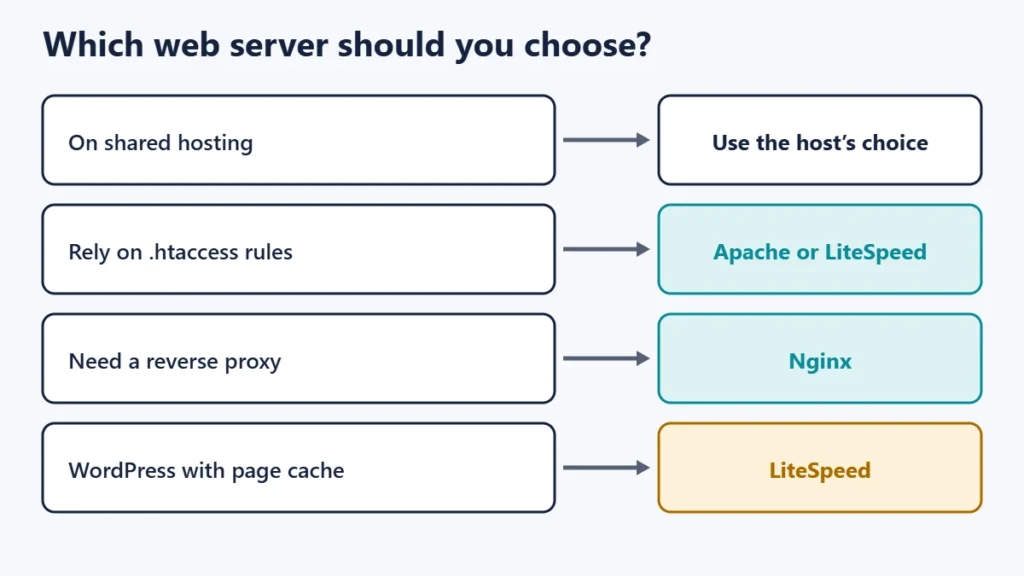
| Your situation | Sensible choice |
|---|---|
| Shared hosting | Use what the host provides, and focus on caching |
| Site relies on .htaccess rules | Apache, or LiteSpeed for compatibility |
| Need a reverse proxy or load balancer | Nginx |
| WordPress with built-in page caching | LiteSpeed, with its cache plugin |
| Your own VPS with an admin | Any of the three, based on your team’s experience |
Questions to ask a host
- Which web server runs my plan, and is there a cache in front of it?
- Can I use .htaccess rules, and are there any restrictions?
- Which PHP versions are available, and can I switch?
- Is a CDN included or supported?
- What happens to my rewrite rules if the host changes server software?
Hosting prices also change at renewal, so compare the full cost. Our guide to web hosting renewal prices covers what to watch for.
Common mistakes
- Choosing a host by server name alone. Resources, support and caching usually matter more.
- Trusting a single benchmark. Results rarely transfer to a different kind of site.
- Copying Apache rules to Nginx unchanged. Nginx uses a different configuration format.
- Forgetting the restart on OpenLiteSpeed. Changes to .htaccess rewrite rules may not apply until the server restarts.
- Stacking several caching plugins. They can conflict with a server-level cache and cause stale pages or redirect problems. See our guide to too many redirects if that happens.
Frequently asked questions
Is Nginx better than Apache?
Neither is better in every case. Nginx is widely used as a front-end and reverse proxy, while Apache’s flexibility and .htaccess support suit shared hosting. Many set-ups use both together.
Is LiteSpeed free?
LiteSpeed Web Server Enterprise requires a licence. OpenLiteSpeed, the open-source edition, is free under GPLv3.
Does Nginx support .htaccess?
Nginx is configured through central configuration files rather than .htaccess files, so Apache rules need to be converted.
Does my web server affect SEO?
Not directly. Speed, uptime and correct responses matter, and those depend more on configuration and hosting quality than on which server software you use.
Can I change my web server on shared hosting?
Usually not. The host chooses the server for the whole platform. You can choose a host or plan that uses the one you prefer.
Which web server does WordPress need?
WordPress runs on all three. What it needs is PHP, a database and correctly configured rewrite rules.
The short version
Apache offers flexibility and .htaccess support, Nginx offers an event-driven design that excels as a front-end and proxy, and LiteSpeed offers Apache compatibility with a built-in cache. For most sites, the host has chosen for you, and good caching, resources and configuration will matter more than the name on the server.

Justwebworld has published guides since 2012. How we write and update articles Report an error
