

A QR code scam, sometimes called “quishing”, uses a fake or tampered QR code to send you to a malicious website that steals your login or payment details, or tricks you into downloading a harmful app. Common examples are stickers placed over real codes on parking meters and QR codes sent in unexpected texts or emails.
The US Federal Bureau of Investigation (FBI) warned in 2022 that criminals are tampering with QR codes to redirect victims to sites that steal login and financial information. The Federal Trade Commission (FTC) issued a similar warning in 2023. This guide shows how these scams work, the warning signs, and simple steps to scan QR codes safely, wherever you are.
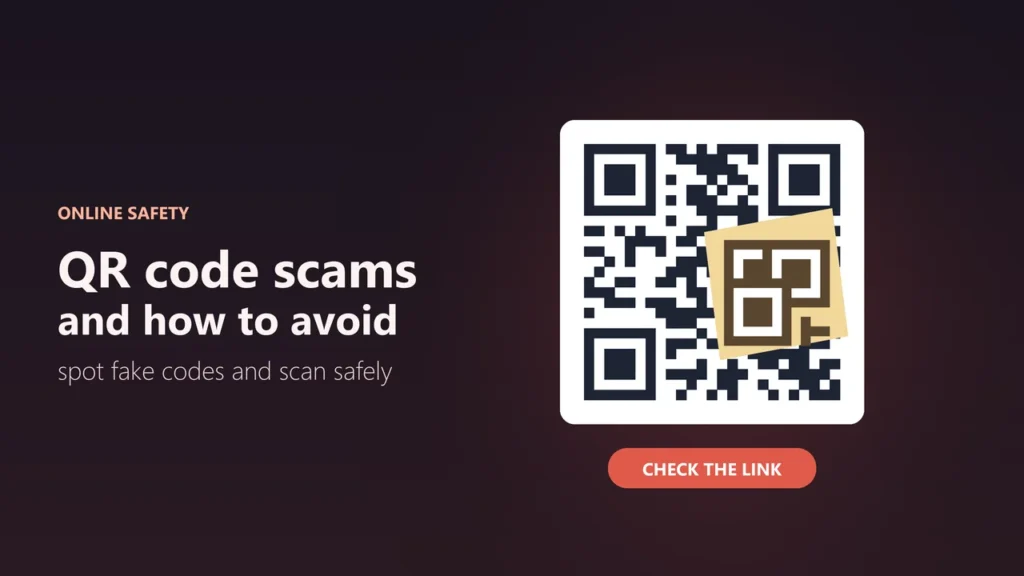
- Check the link your phone shows before you open it
- Look for stickers placed over a printed QR code
- Don’t scan QR codes in emails or texts you weren’t expecting
- Don’t install apps from a QR code; use your phone’s app store
- Pay through a website you type in yourself, not one a QR code opened
How QR code scams work
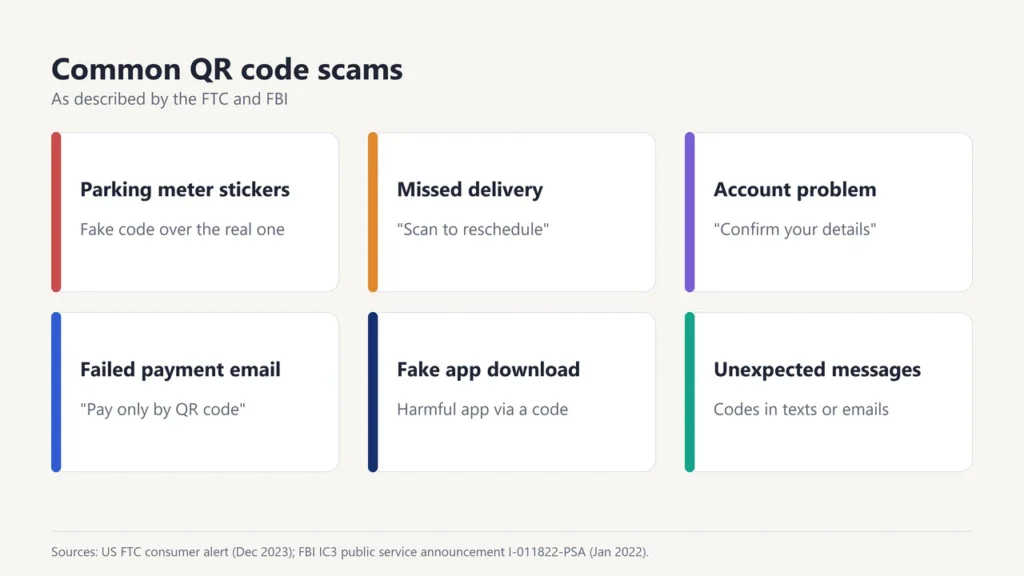
A QR code is just a link in picture form. You can’t tell where it leads by looking at it, and that is what scammers rely on. According to the FTC and the FBI, common tricks include:
| Scam | How it works |
|---|---|
| Fake parking meter codes | Scammers cover the real QR code on a parking meter with their own sticker, which leads to a fake payment page |
| Missed delivery messages | A text or email says a parcel couldn’t be delivered and asks you to scan a code to reschedule |
| Account problem messages | A message claims there is a problem with your account and asks you to “confirm” your details |
| Failed payment emails | An email says a payment failed and that you can only pay by scanning a QR code |
| Fake app downloads | A code leads to an app that is harmful or not what it claims |
Warning signs of a fake QR code
- A sticker on top of a printed code, or a code that looks peeled, crooked or freshly added.
- A QR code in a message you didn’t expect, especially one that pushes you to act quickly.
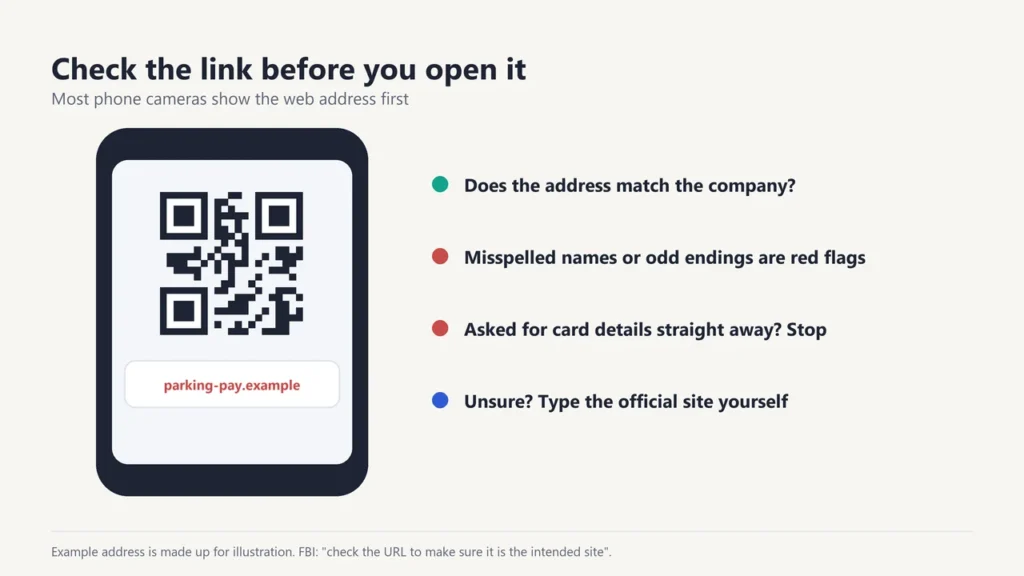
- A web address that looks odd: misspelled brand names, extra words or numbers, or a domain that has nothing to do with the company.
- A page asking for passwords, card details or codes straight after you scan.
- A request to install an app before you can pay or continue.
How to scan QR codes safely
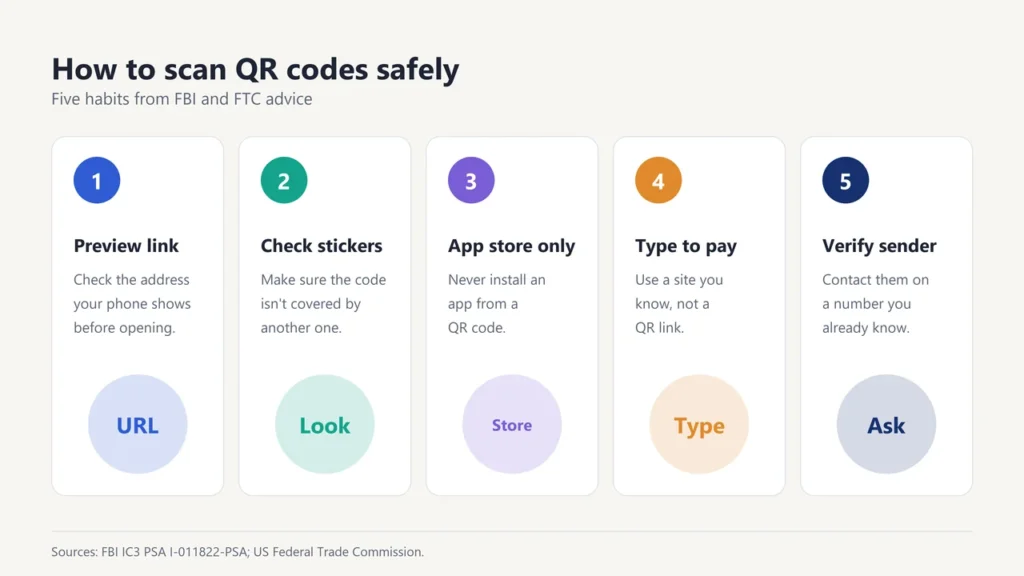
These steps are based on the FBI’s public service announcement and the FTC’s consumer advice:
- Preview the link first. Most phone cameras show the web address before opening it. Check that it is the site you expect.
- Inspect physical codes. Make sure the code hasn’t been covered with a sticker.
- Be careful entering details. Think twice before typing a login, personal or financial information on a site you reached through a QR code.
- Use your app store for apps. The FBI advises not to download an app from a QR code.
- Use your phone’s built-in scanner. The FBI also advises against downloading a separate QR scanner app, since most phones have one in the camera.
- Pay the safe way. Type a website address you know and trust, or use the official app, instead of paying through a QR link.
- Verify with the sender. If a code seems to come from a company or a friend, contact them using a phone number or website you already know.
QR codes in emails and texts
The FTC’s advice is simple: don’t scan a QR code in an email or text message you weren’t expecting, especially if it urges you to act immediately. If you think the message might be real, contact the company using a phone number or website you know is genuine, not the one in the message. The FTC also recommends keeping your phone’s software up to date and protecting accounts with strong passwords and multi-factor authentication.
What to do if you scanned a fake QR code
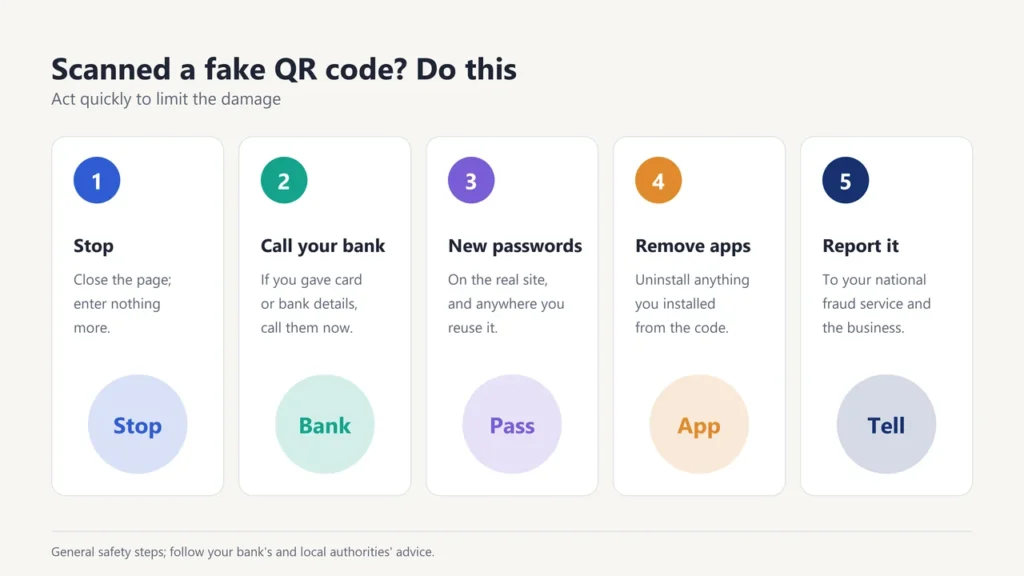
- Stop. Close the page and don’t enter any more information.
- If you entered card or bank details, contact your bank or card provider straight away using the number on your card.
- If you entered a password, change it on the real site, and anywhere else you use the same password.
- If you installed an app, uninstall it and run your phone’s security check.
- Report it to your country’s fraud or cybercrime reporting service, and tell the business whose code was faked, such as the parking operator.
Are QR codes safe?
QR codes themselves are not dangerous. They are just a quick way to open a link. The risk comes from where the link leads. Used with a little care, such as checking the address and avoiding codes in unexpected messages, they are as safe as clicking any other link.
Want to stay safer online? Read our guides to two-factor authentication, common email scams and the advantages of QR code payments.
Frequently asked questions
What is quishing?
Quishing is phishing using QR codes: a scam that uses a fake QR code to send you to a site that steals information or money.
Can scanning a QR code hack my phone?
Scanning usually just opens a link. The danger is what you do next, such as entering details on a fake site or installing an app. Check the link before you open it.
How can I check if a QR code is safe?
Look at the web address your phone shows before opening it, check for stickers over printed codes, and be wary of codes in unexpected messages.
Is it safe to pay for parking with a QR code?
Be careful. The FTC warns that scammers cover real parking meter codes with their own. If you can, use the parking operator’s official app or website instead.
Do I need a QR scanner app?
Usually not. The FBI notes that most phones have a built-in QR scanner in the camera app, and advises against downloading separate scanner apps.
What should I do if I paid through a fake QR code?
Contact your bank or card provider immediately, change any passwords you entered, and report the scam to your local fraud reporting service.

Justwebworld has published guides since 2012. How we write and update articles Report an error
